Your child's progress, not just their grade.
Every GradeUp family gets a private online portal — real progress tracking, tutor recaps after every session, scheduling, and billing, all in one place.
Learning Trail
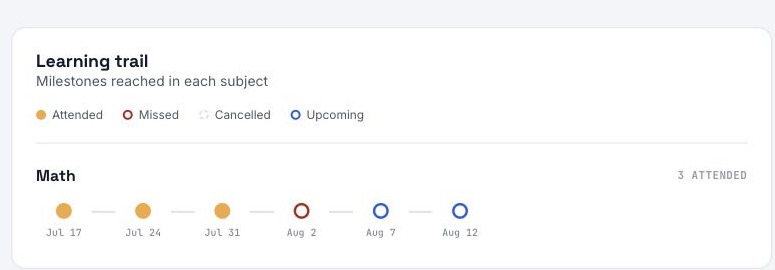
A visual, session-by-session trail of growth in each subject — built to show real progress and effort, not just a letter grade, especially for younger students still building confidence.
Every dot is a session: gold for attended, hollow for missed or cancelled, blue for what's still upcoming — so you can see the whole term at a glance.
Session Recaps
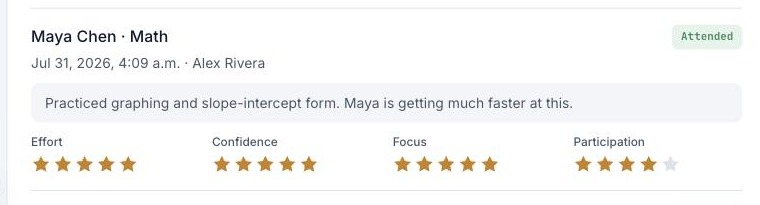
After every session, your tutor writes exactly what was covered — no guessing what happened behind closed doors, and no waiting for a report card to find out.
Each recap includes ratings on effort, confidence, focus, and participation, so you know how your child showed up that day, not just what they got right.
Scheduling
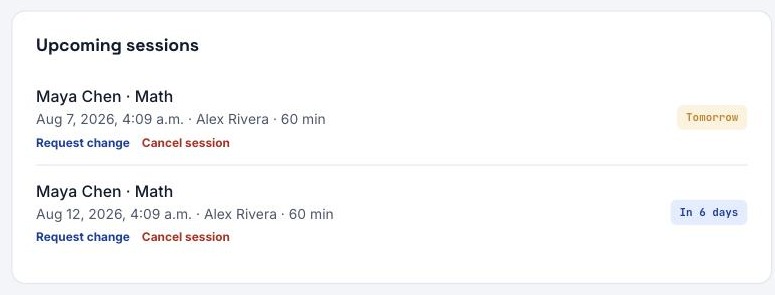
Every upcoming and past session lives in one place — no more digging through texts or your email to remember when the next one is.
Need to shift a session? Request a change right from the portal, up to 24 hours ahead, and our team will confirm it.
Simple Billing
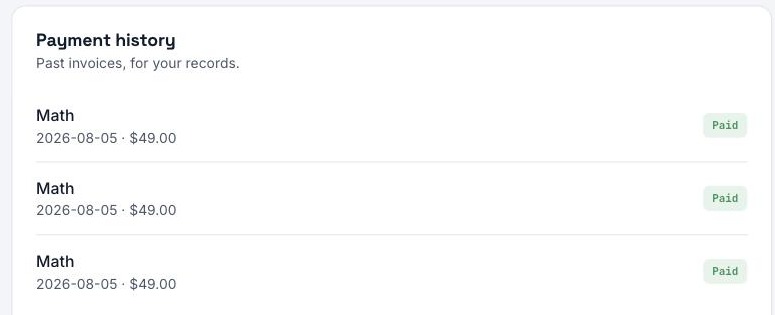
No contracts: there is nothing to pay before your first session, then it's pay-as-you-go, session by session. View and pay every invoice right from the portal.
And with our First Session Guarantee, if your first tutor isn't the right fit, that first session is on us.
Refer a Friend
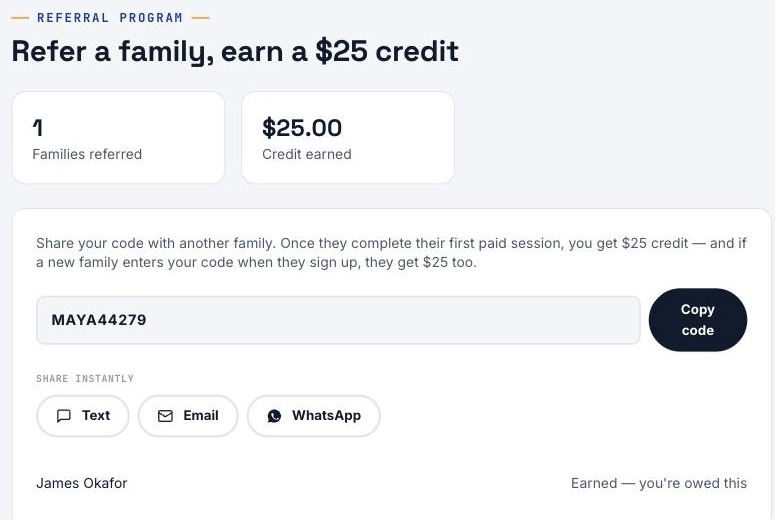
Every family gets their own referral code. Share it however's easiest — text, email, or WhatsApp, right from the portal.
When a friend's family completes their first paid session, you both get a $25 credit — automatically tracked, no forms to fill out.
Assigned Resources
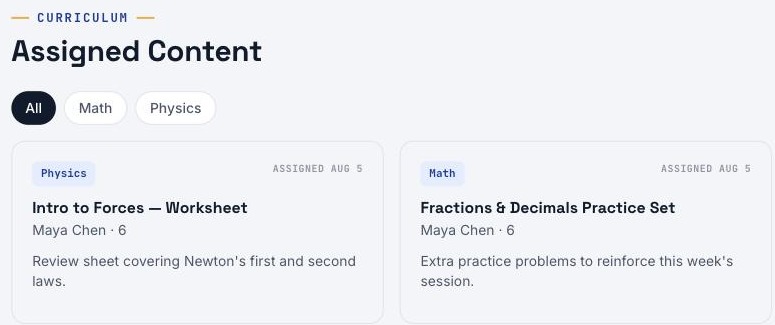
When your tutor wants your child to practice something between sessions, it shows up right here — matched to their grade and subject.
No printed handouts to lose track of, and no wondering what homework was actually assigned.
Made for busy families
Your child's own login
Give your child a login of their own. They can see their upcoming sessions, with Join buttons for online ones, and upload their own school work, like outlines, notes and test photos, so the tutor knows what they are working on before class. They only see their own information, billing stays with you, and you can remove the login at any time.
Sessions in your phone calendar
One email with an Add to my calendar button, and every session appears in your calendar. When a session is added, moved or cancelled, your calendar updates by itself, with no flood of emails.
Add it to your home screen
The portal installs like an app on your phone or tablet, so your child's schedule is one tap away. Here is how.
Join links in one place
For online sessions, the video call and shared whiteboard links live in the portal. See how online sessions work.